In clinic or online
Find your doctor, choose in-clinic (paid at the clinic) or — if the doctor offers it — a scheduled 1:1 video visit with chat, files and notes.
 SquareML
Invite-only clinic software from SquareML. Your hospital creates the login; patients see that hospital’s doctors — not a public marketplace.
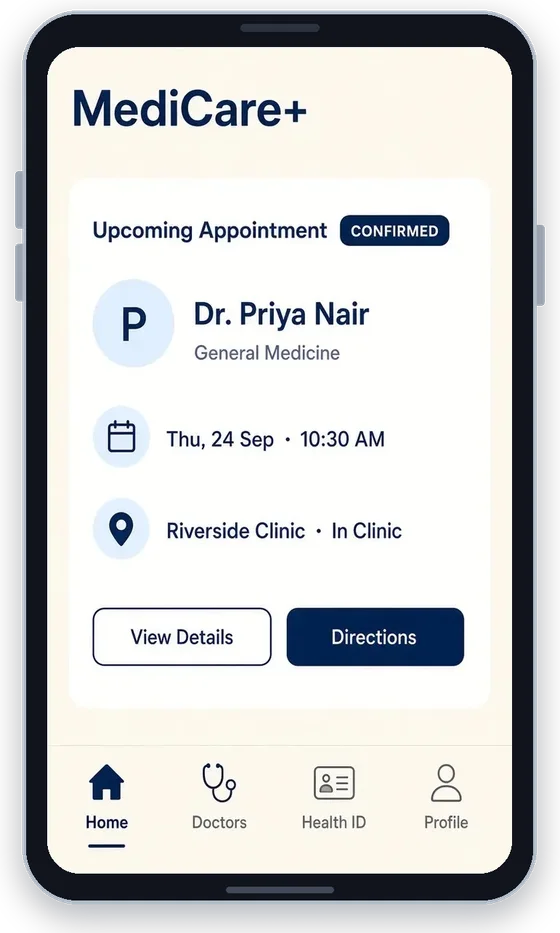
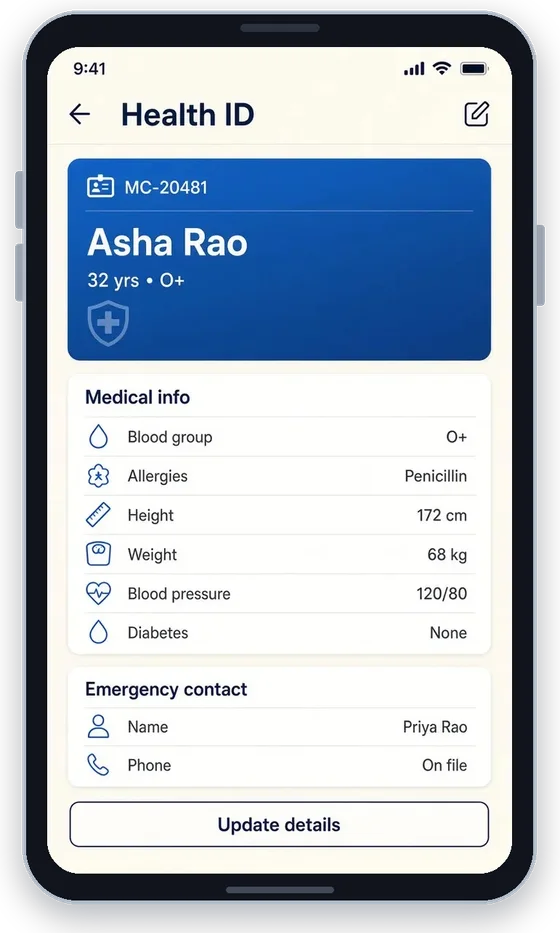
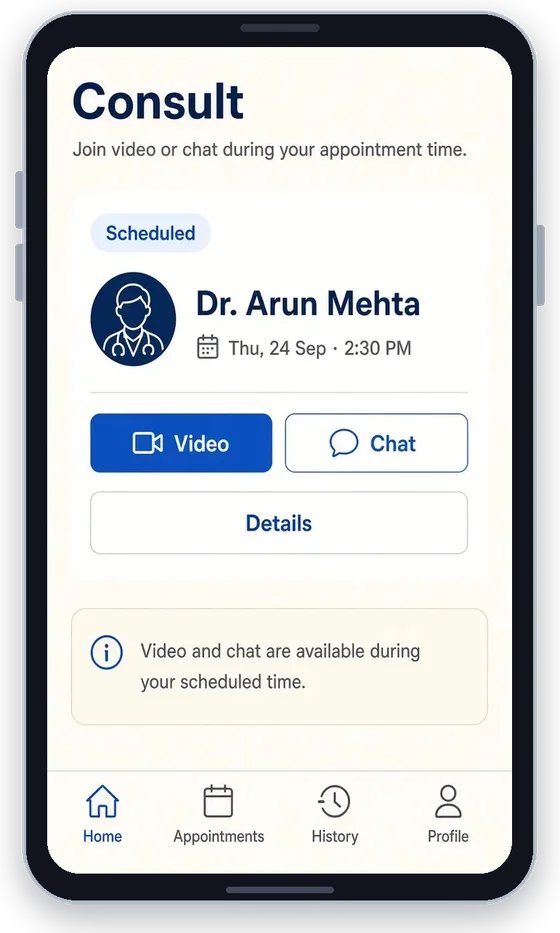
Find your doctor, choose in-clinic (paid at the clinic) or — if the doctor offers it — a scheduled 1:1 video visit with chat, files and notes.
A Health ID holds blood group, allergies, history, vitals and an emergency contact. Upload reports and attach documents to the visit; the clinic can send checkup suggestions so you know what to discuss.
Reminders land before the slot. Message your doctor, book the follow-up, and find invoices and refunds for online consults.
The hospital publishes a camp, screening or registration. People answer on a public link — no login — and staff turn each response into an in-clinic appointment.
Create patients, doctors, consultants and admins; assign campus and team.
Doctors publish weekly or one-day hours; slots come from those hours.
The in-clinic and online board — staff book on a patient’s behalf.
Run campaigns, send checkup notices, turn a registration into a slot.
Book visits, keep a Health ID and files, join video when offered, follow up, answer clinic campaigns.
Set hours, see today’s board, write a summary and prescription, send checkup suggestions, book follow-ups.
Create users, publish campaigns, manage campuses and access.
SquareML Care helps people book and prepare for visits. It does not diagnose, treat or replace clinical judgment. In a medical emergency, contact local emergency services. Coming to the App Store and Google Play.
We’ll walk through invite-only provisioning, in-clinic and online visits, and how campaigns become appointments.